6 tag

#marketing

Posts tagged marketing on the mockiso blog: guides, tips and tools for device mockups and app store screenshots.

Design8 min read

3D vs Flat Mockups: When Each Style Works Best

Use flat mockups when the interface has to be read: the first App Store screenshots, documentation and UI walkthroughs. Use 3D mockups when you need atmosphere and depth: hero images, launch posts, landing pages and later screenshots in the set.
Marketing7 min read

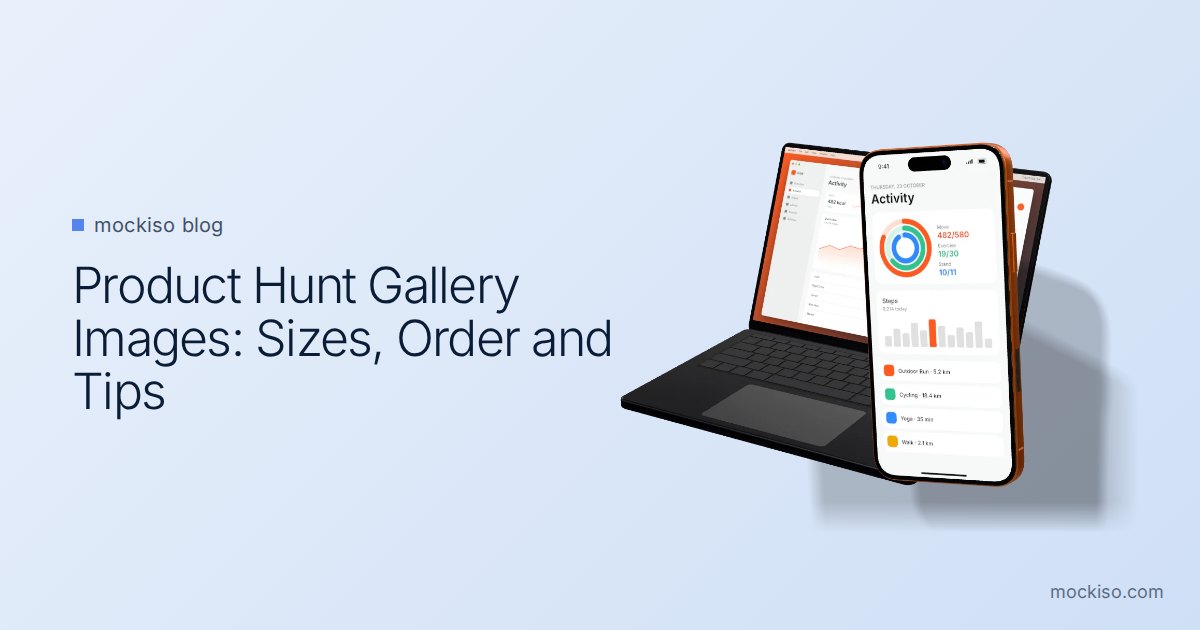
Product Hunt Gallery Images: Sizes, Order and Mockup Tips

Product Hunt recommends 1270×760 px gallery images, a square 240×240 thumbnail, and files under 3MB, and it needs at least two images before the gallery appears. Treat the gallery as a short visual story: lead with the outcome, show the product in device mockups, and keep every slide consistent.

App Store Optimization7 min read

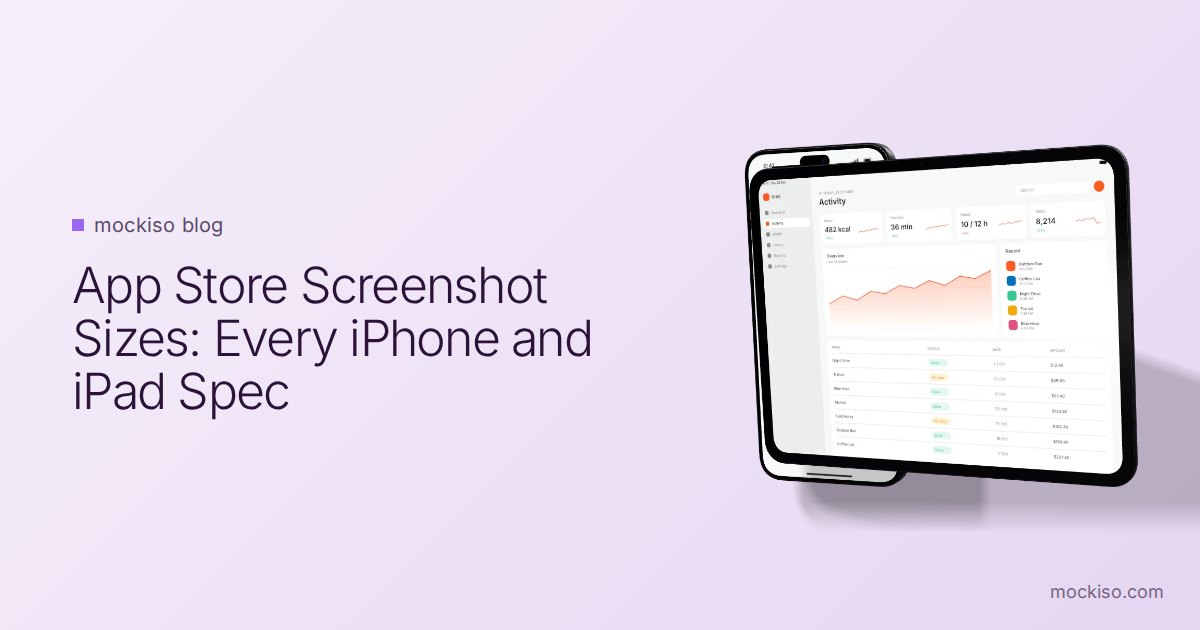
App Store Screenshot Sizes: Every iPhone and iPad Spec

To submit an iPhone app, App Store Connect requires at least one screenshot for the 6.3-inch Dynamic Island class (1206 × 2622 or 1179 × 2556 px), plus a 13-inch iPad set (2064 × 2752 or 2048 × 2732 px) if your app runs on iPad. You can upload 1–10 JPEG or PNG images per size.

Design7 min read

When to Use Device Mockups (and When Plain Screenshots Win)

Use device mockups when you need context: landing pages, launch posts, pitch decks, portfolios and most App Store sets. Skip the frame when a store or platform discourages it, such as Wear OS listings on Google Play, or when the UI needs every pixel.

Make your own device mockups

Drop in a screenshot and get a realistic 3D iPhone, Android, iPad or MacBook mockup in seconds — right in your browser.

Start free trial