Free
For trying things out and side projects.
$0/ month
free forever
Start for free- 3 saved projects
- 3 screenshots per project
- All 15 devices and every angle
- 1× export (up to 4K)
- Small mockiso watermark
new · laptop & monitor mockups
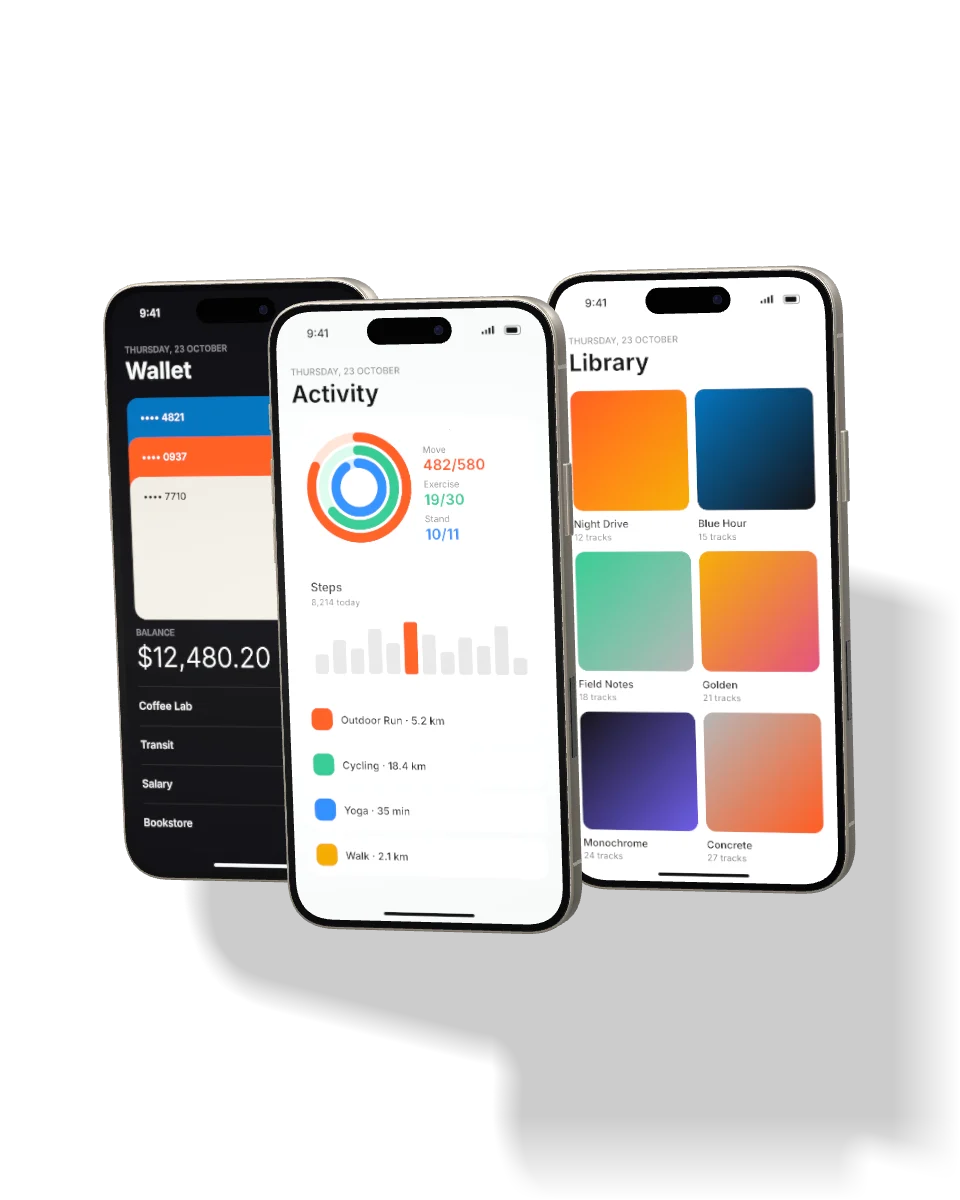
mockiso turns app and web screenshots into photorealistic iPhone, Android, iPad, MacBook and monitor mockups. Rotate in real 3D, light it like a product shoot and export up to 8K — right in your browser.
1-day pro trial · no credit card required
trusted by 12,000+ makers and teams at
01 how it works
Drag, paste or upload PNG, JPEG, WebP or HEIC. Status bars, notches and rounded corners are handled for you.
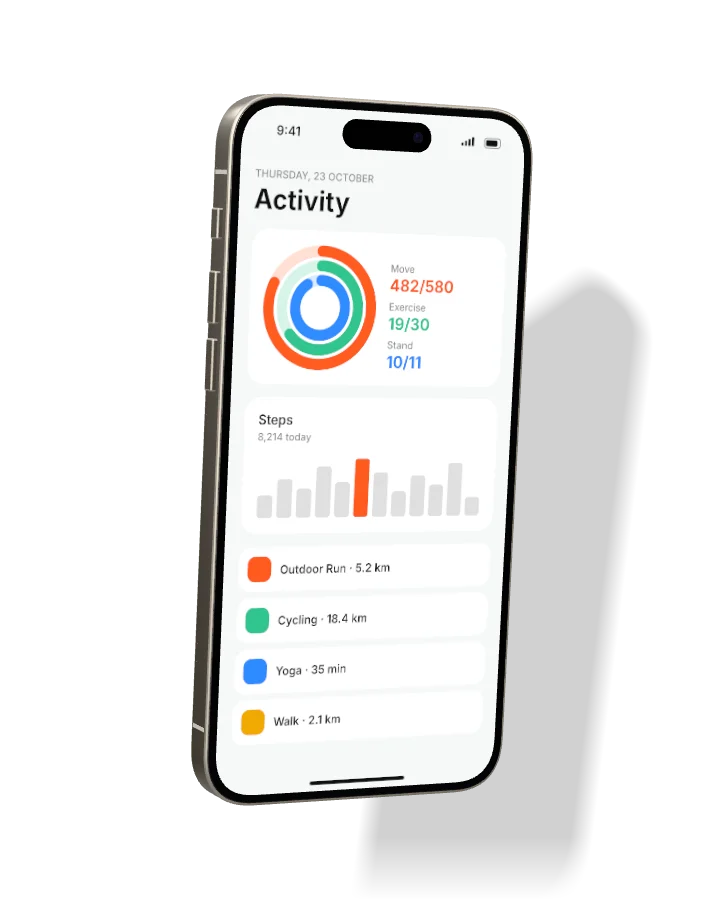
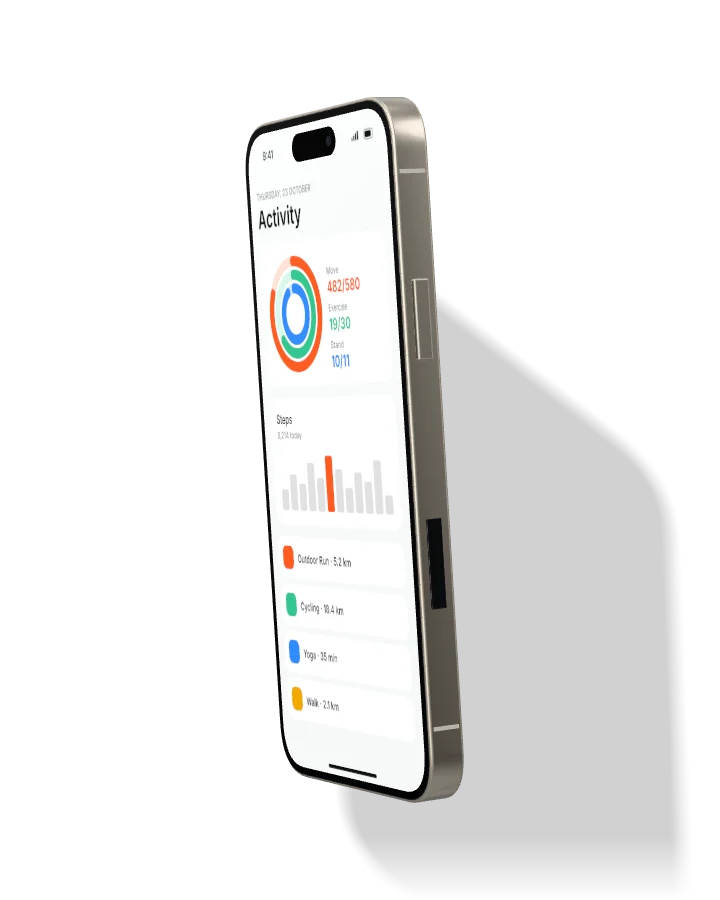
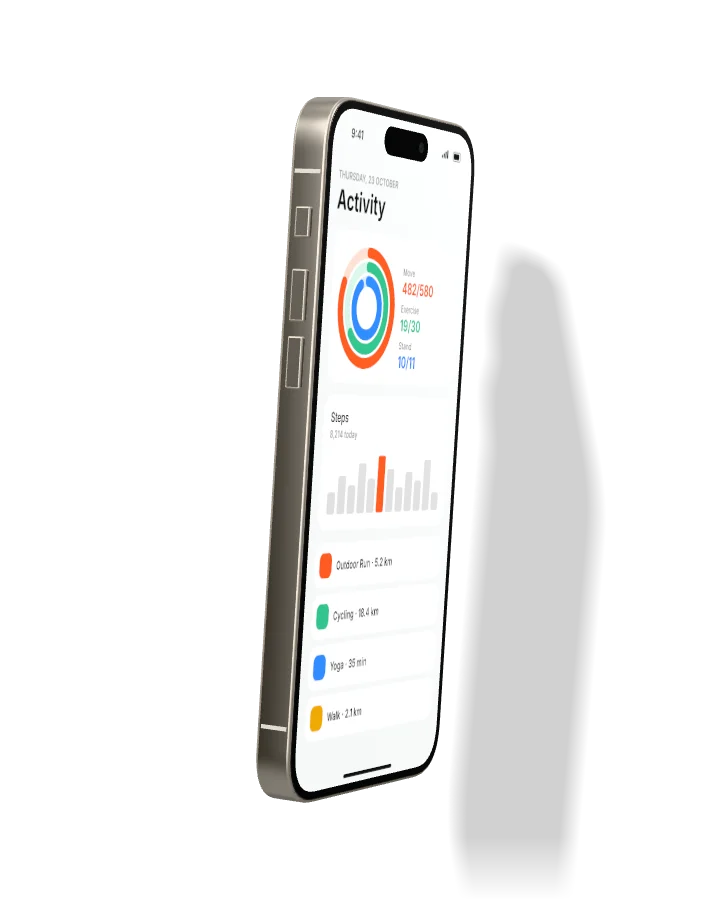
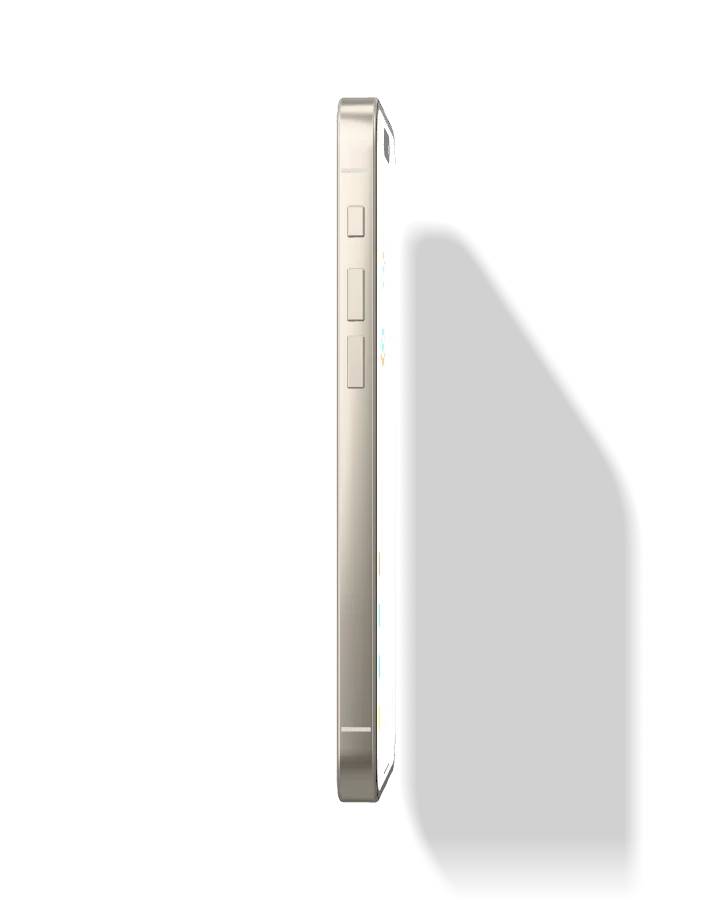
Fifteen devices in real 3D. Choose one of the presets or drag to rotate the camera anywhere you like.
App Store, Play Store, social and custom sizes up to 8K — as PNG, JPEG, WebP or a ZIP of every angle.
02 features
Everything you need to present your product beautifully, without Blender, Photoshop or template packs.
Every device is a procedural 3D model with beveled glass, metal frames and camera modules, so any angle keeps true perspective.
Environment lighting, a movable key light, screen reflections and exposure control for a photographic finish.
Physically placed drop shadows on the backdrop with adjustable softness, distance and strength.
Wide dramatic shots or flat telephoto product looks — plus yaw, pitch, roll, zoom and position.
Show one hero screen or a sequence of three. The next screenshots flow onto the extra devices automatically.
App Store style headlines, solid colors, gradients, images or transparent backgrounds.
Tiled rendering keeps huge exports crisp. Copy to clipboard or download every angle as a ZIP.
Keep every mockup as a project in your dashboard and come back to tweak it any time, on any computer.
03 devices
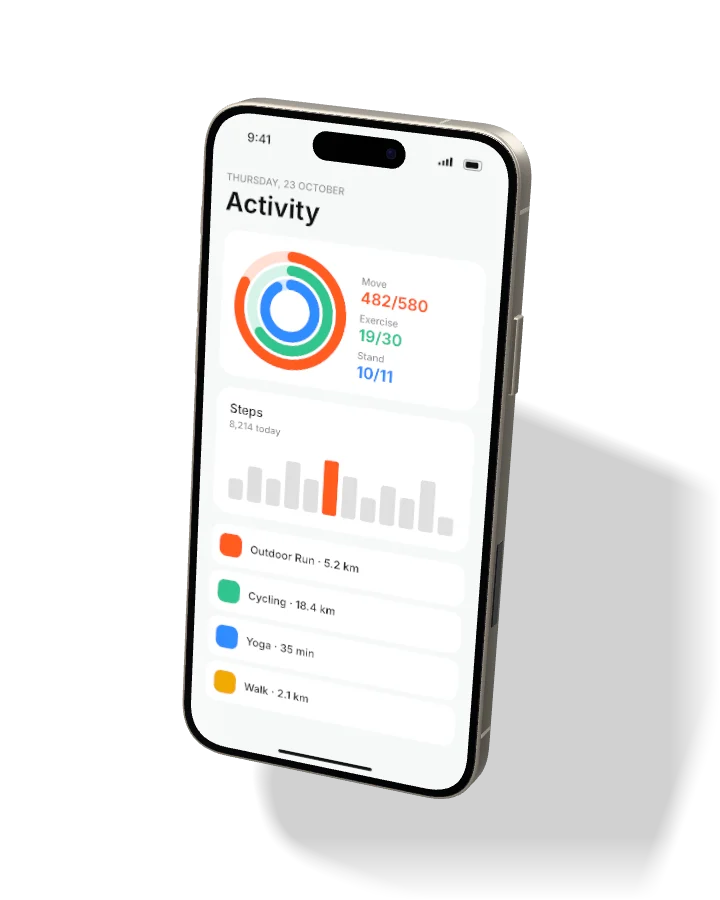
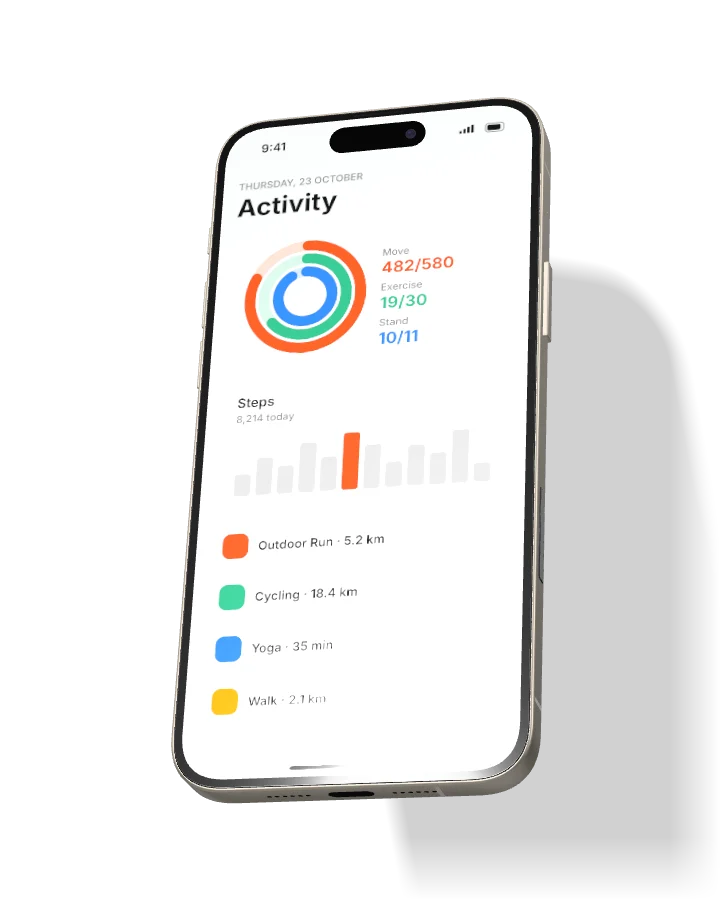
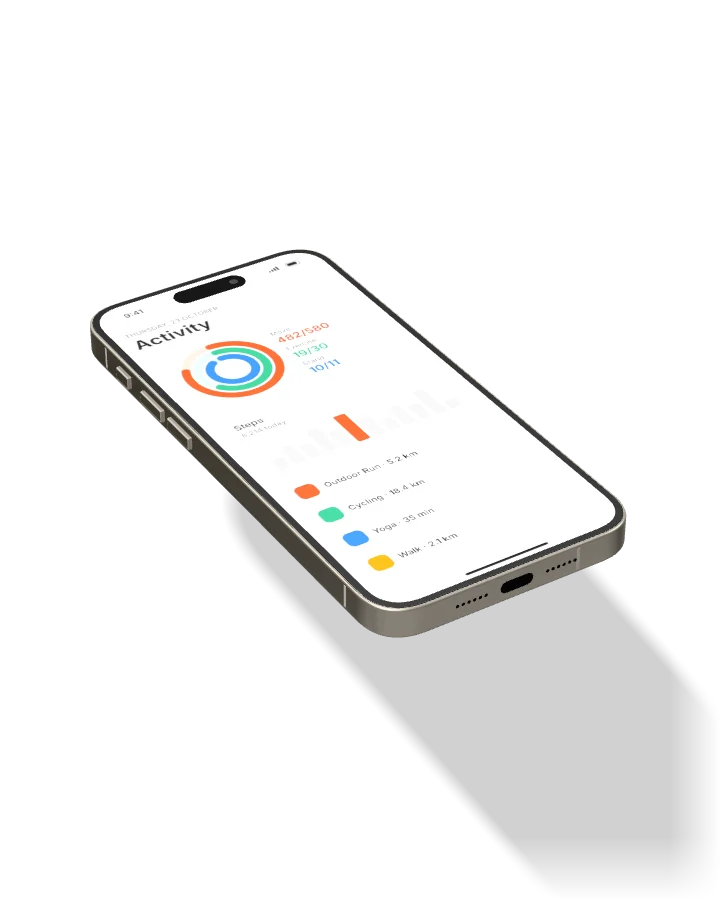
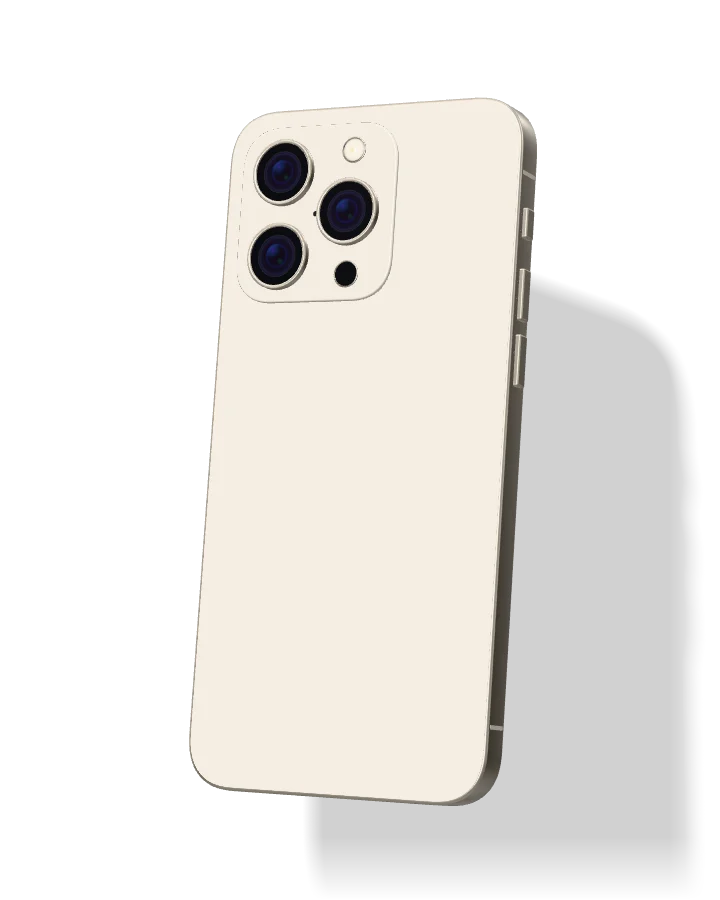
Phones, tablets, laptops and monitors modeled to real dimensions. Try them below — this is the same renderer you get in the studio.
04 angles
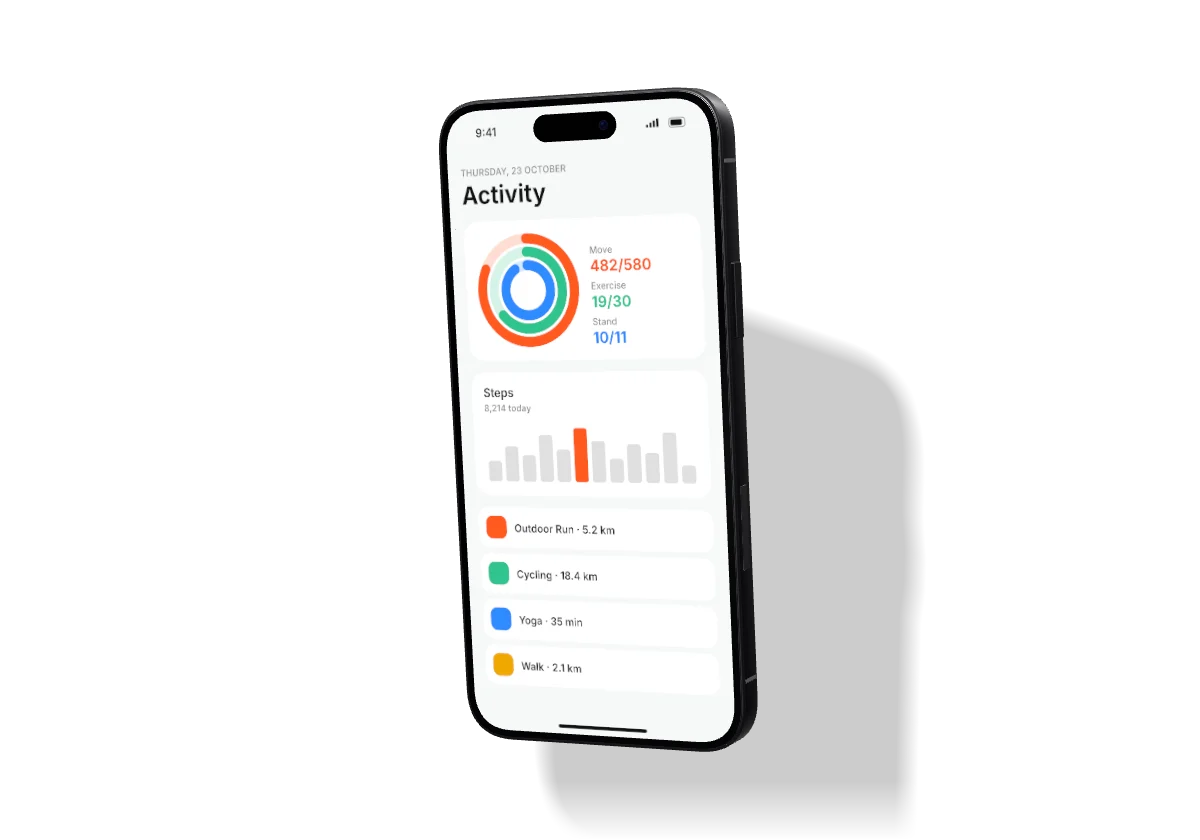
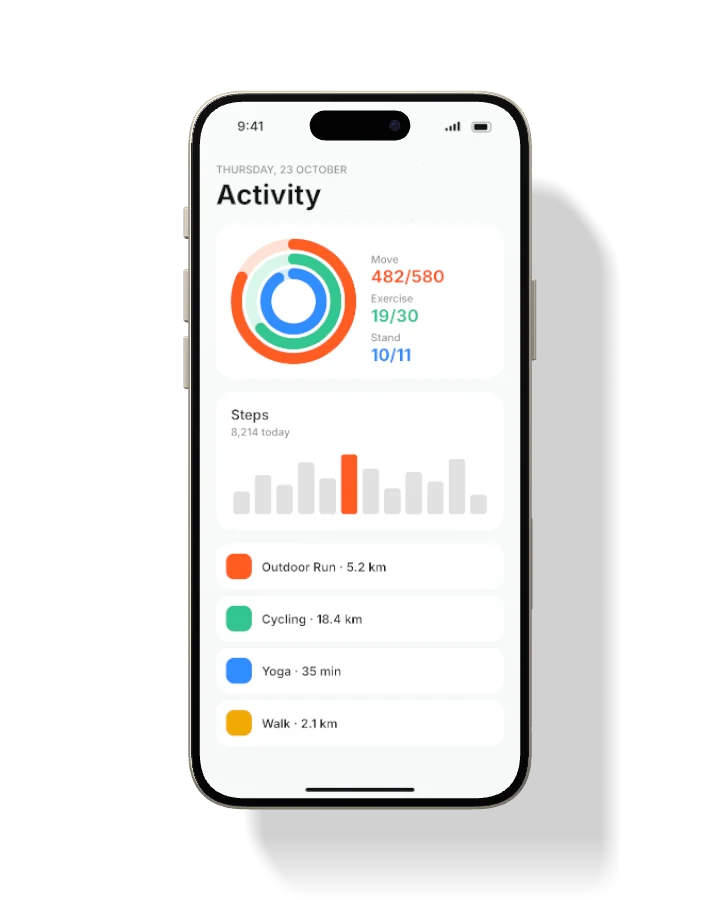
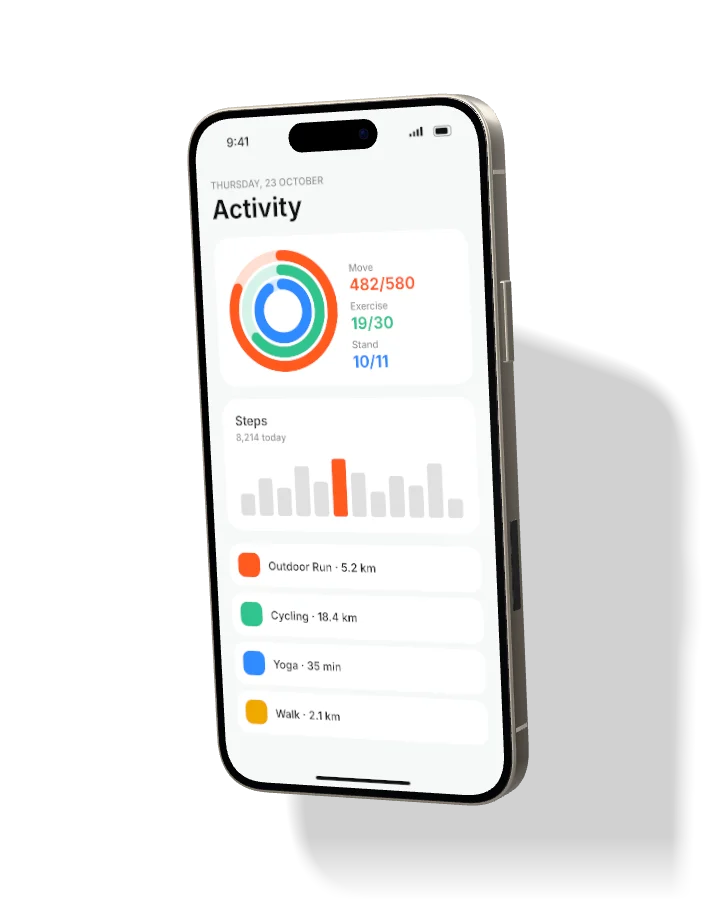
Presets for hero shots, profiles, flat lays and floating compositions — or drag to rotate freely. Laptops and monitors get their own camera-orbit presets.
05 use cases
Screenshot sets with captions at the exact sizes each store asks for.
Product Hunt galleries, X and LinkedIn announcements that stop the scroll.
Transparent hero renders that drop straight into your website.
Laptop and monitor shots that make a slide or portfolio look finished.
06 loved by makers
“We shipped our App Store screenshots in an afternoon instead of a week with a designer. The angles look like real product photography.”
“The laptop and monitor mockups are the best I have found. I use mockiso for every client case study now.”
“Drag, rotate, export at 8K. It replaced three different template packs and a Blender scene for our launch posts.”
“Our marketing team makes on-brand device shots without bothering design. That alone paid for the Studio plan.”
“Lighting, shadows and the reflections on the glass feel right. Nobody believes they are not photos.”
“Duo and trio layouts with captions are perfect for Product Hunt galleries. We launched #2 of the day.”
07 pricing
Upgrade when you need more projects, 2× exports and no watermark. Compare all plans →
For trying things out and side projects.
free forever
Start for freeFor indie makers shipping apps and launches.
$84 billed yearly
Try Pro freeFor agencies and teams producing at volume.
$228 billed yearly
Try Studio freeEvery new account starts with a 1-day Pro trial — no credit card required. Prices in USD. Taxes calculated at checkout.
08 faq
mockiso is a browser-based studio that turns your app or website screenshots into photorealistic 3D device mockups. Pick a device, drop in a screenshot, choose an angle and export a high-resolution image for the App Store, Google Play, your landing page or social media.
Every new account gets 1 day of Pro for free — no credit card required. When the trial ends you move to the Free plan automatically and keep all of your projects. Upgrade any time to unlock Pro features again.
iPhone 16 Pro, 16 Pro Max and 16, Galaxy S24 and S24 Ultra, Pixel 9 Pro, iPad Pro 13″ and 11″, Galaxy Tab S9, MacBook Pro 14″, MacBook Air 13″, Surface Laptop, Studio Display, iMac 24″ and UltraSharp 27 — each in several finishes. New devices are added regularly.
Yes. Images exported on Pro and Studio can be used in commercial projects such as app store listings, ads, websites and client work. The Free plan adds a small watermark to exports.
PNG, JPEG and WebP with presets for App Store, Instagram, Twitter/X, Dribbble and more, or any custom size. Pro and Studio export at 2× up to 8192 px and can download every angle or every screenshot as a ZIP.
Rendering happens entirely in your browser. When you save a project, a compressed copy of each screenshot is stored in your account so you can pick up where you left off. We never share your files and you can delete them at any time.
Yes. Cancel from the Billing page and you keep your paid features until the end of the current billing period. Payments are processed by Dodo Payments, our Merchant of Record, which also handles sales tax and invoices.
If mockiso is not right for you, contact us within 14 days of your first payment for a full refund. See the refund policy for details.
Create your first mockup in minutes. Pro is free for your first day.