App Store Screenshot Generator: 7 Tools Compared Honestly
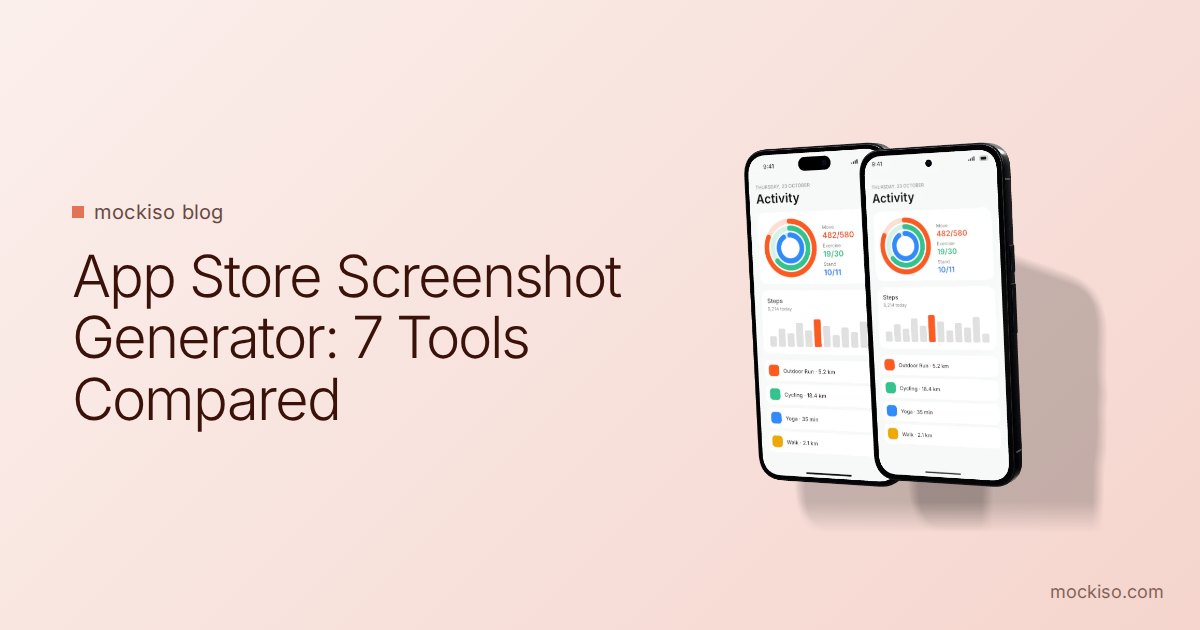
in short
The best App Store screenshot generator depends on your bottleneck. AppScreens and AppLaunchpad fit template, localization and resizing work. mockiso, Rotato and Previewed fit 3D device mockups. fastlane frameit fits automated pipelines, and Figma fits full custom design.
The best App Store screenshot generator is the one that removes your biggest bottleneck. Template-and-localization platforms like AppScreens and AppLaunchpad suit teams shipping to many markets. 3D mockup tools like mockiso, Rotato and Previewed suit eye-catching hero images. fastlane frameit suits fully automated pipelines. Below, we compare seven tools honestly, including where our own product falls short.
What is an App Store screenshot generator?
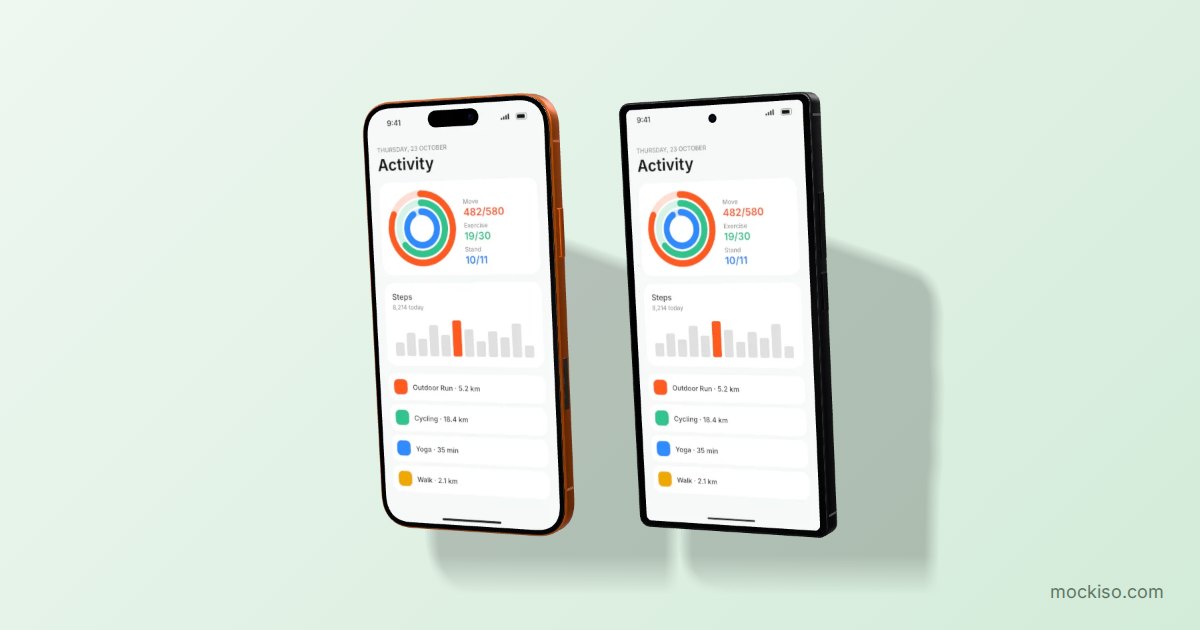
An App Store screenshot generator is a tool that turns raw app screenshots into finished store images by adding device frames, backgrounds and captions, then exporting them at the sizes Apple and Google require. Some tools focus on templates and batch resizing. Others focus on rendering a realistic 3D device mockup.
Whichever tool you choose, the store rules stay the same. According to Apple's App Store Connect screenshot specifications, you can upload up to 10 screenshots per device size, in JPEG or PNG, with no alpha channels or transparency. For large iPhone displays, the accepted portrait sizes include 1320 × 2868 px, 1290 × 2796 px and 1260 × 2736 px. For pixel-level detail by device, see our App Store screenshot sizes guide.
Google Play's preview asset requirements allow up to 8 screenshots per device type, in JPEG or 24-bit PNG without alpha. Each side must be between 320 px and 3840 px, and the longer side can't be more than twice the shorter side. Google recommends at least four app screenshots at a minimum resolution of 1080 px.
How we compared these app store screenshot tools
We checked each tool's own website and documentation in November 2026 and looked at five criteria:
- Visual style: flat frames, template layouts or true 3D renders.
- Store workflow: size presets, localization and direct upload.
- Platform: browser, desktop app or command line.
- Free option: what you can do before paying.
- Best fit: the team and task where the tool clearly wins.
Prices and limits change often, so treat every number below as a snapshot and check the vendor's pricing page before buying.
Comparison table: 7 App Store screenshot generators
| Tool | Platform | Strength | Localization / upload | Free option |
|---|---|---|---|---|
| mockiso | Browser (WebGL) | Fast 3D device mockups, 40+ devices, captions, duo/trio layouts | Not built in | Free plan (3 projects, watermark) + 24-hour Pro trial |
| AppScreens | Browser | Template sets, multi-store resizing | 80+ languages; direct upload to App Store Connect and Google Play Console | Free plan up to 5 screenshots |
| AppLaunchpad | Browser | 1000+ pre-built templates | Multi-language screenshots | "Get started for free" (limits not listed) |
| Previewed | Browser | 2D, 3D and panoramic mockups, promo video | Not advertised | Lite: unlimited 2D exports at 720p |
| Rotato | Mac app (web beta) | 3D animation and video up to 8K | Not advertised | Free to start, no card |
| fastlane frameit | Command line | Automated framing in CI | Localized titles via .strings files | Open source |
| Figma templates | Figma | Total design control | Manual | Many free community files |
The 7 tools, one by one
1. mockiso: best for fast 3D device mockups in the browser
mockiso (our product) turns a screenshot into a realistic 3D device mockup rendered in the browser with WebGL, with nothing to install. It covers more than 40 logo-free devices, from the iPhone 18 Pro and Galaxy S24 Ultra to foldables like the Galaxy Z Fold7, plus iPads, laptops, watches and TVs. You can pick an angle preset or rotate freely, set the lens (24–135 mm), tune lighting and shadows, and add an App Store style headline and subline.
The duo and trio layouts place several devices with consecutive screenshots, which helps with panoramic store sets. Exports come out as PNG, JPEG or WebP, with canvas presets for stores and social media and up to 8192 px with 2× tiled rendering on paid plans.
Honest limits: mockiso doesn't localize captions into dozens of languages or upload directly to App Store Connect. If you need 30 locales, pair it with a localization tool or build captions in Figma. Plans start free, and Pro costs $9/month. See pricing for current limits.
2. AppScreens: best for multi-store, multi-language releases
AppScreens advertises 150+ template sets with 500+ editable layouts. It offers real, clay, 3D, outline or frameless device frames, translation into 80+ languages including right-to-left scripts, and direct upload to App Store Connect and Google Play Console, including custom product page and product page optimization variants. It also has presets for the Microsoft Store, Chrome Web Store, Amazon Appstore and Huawei AppGallery. The free plan covers up to 5 screenshots.
3. AppLaunchpad: best for template variety
AppLaunchpad describes itself as a browser-based app screenshot generator with 1000+ pre-built templates. It covers recent iPhones, Android phones, iPads and tablets, and it supports screenshots in multiple languages. If you want to start from a finished layout and swap in your screens, this tool fits well.
4. Previewed: best low-cost option for 3D video
Previewed offers 2D mockups, 3D snapshots and animations, panoramic App Store screenshots and app promo videos. The free Lite tier gives unlimited 2D exports at 720p under a CC Attribution license. Plus costs a one-time $9.99 for 10 high-resolution exports, 3D and video, and a commercial license. Pro costs $19/month for unlimited exports.
5. Rotato: best for animated 3D on a Mac
Rotato is a 3D device mockup generator and animator. It has 30+ built-in devices, custom 3D model import, an animation timeline, a Figma plugin, and image or video export up to 8K. The main app requires macOS 11 or newer, and a web version is in public beta. If you need an App Store preview video with camera moves, Rotato is the strongest choice here.
6. fastlane frameit: best for automated pipelines
frameit is an open-source fastlane action that adds device frames to iOS, Android and Mac screenshots with one command. It supports backgrounds, titles and keywords, and localized text through .strings files. The look is flat rather than 3D, but if you already capture screenshots automatically in CI, frameit keeps every release consistent with no manual work.
7. Figma community templates: best for full custom design
Figma Community hosts many free App Store screenshot template files. You get full control over type, layout and brand, but resizing for every device and locale is manual. Many teams combine approaches: render the device in a mockup tool, then compose the final set in Figma.
Which App Store screenshot generator should you choose?
Choose based on the job that takes you longest, not on the template gallery. Here is a quick decision guide:
- Indie developer, one language, wants a premium look fast: mockiso or Previewed.
- Team shipping in 10+ locales: AppScreens or AppLaunchpad.
- Need animated 3D video: Rotato, or Previewed on a budget.
- Screenshots already automated in CI: fastlane frameit.
- Brand-heavy design team: Figma, optionally with 3D renders imported from a mockup tool.
Whatever you pick, the image still needs to say something. Our guides to screenshot captions and 2026 screenshot trends cover the content side.
How do you make App Store screenshots with mockiso?
You can produce a store-ready 3D screenshot in mockiso in a few minutes:
- Sign up (every new account gets a 24-hour Pro trial, no card required) and create a new project.
- Pick a device, such as iPhone 17 Pro Max for iOS or Pixel 9 Pro for Google Play screenshots.
- Upload a screenshot by clicking, dragging and dropping, or pasting with Ctrl/Cmd+V.
- Choose an angle preset (front, hero left/right, float) or drag to rotate, then fine-tune the lens and lighting.
- Set a solid or gradient backdrop, or pick one of 70 backdrop templates. Then add a headline and subline.
- Switch to a duo or trio layout if you want consecutive screens to flow across images.
- Pick a store canvas preset and export as PNG or JPEG.
Tip: mockiso can export transparent backgrounds, but Apple and Google both reject images with alpha channels. Use a solid, gradient or image backdrop for store uploads, and keep transparency for websites and decks.
Key takeaways
- App Store Connect accepts up to 10 JPEG or PNG screenshots per device size, with no transparency. Google Play accepts up to 8 per device type.
- For localization and direct upload at scale, AppScreens has the deepest feature set of the tools compared here.
- For 3D device mockups, mockiso (browser, stills), Rotato (Mac, animation) and Previewed (browser, budget video) are the main options.
- fastlane frameit is free, open source and best when screenshots are already generated in CI.
- Always confirm current pricing on each vendor's site, because limits change often.
Conclusion
No single App Store screenshot generator wins every job. Match the tool to your bottleneck: localization, automation, animation or visual polish. If you want realistic 3D device mockups without installing anything, start a free mockiso trial and render your first store image in minutes, or browse the full device list first.
Frequently asked questions
Are free App Store screenshot generators good enough?
Often, yes, for a first launch. Free tiers usually add watermarks, cap resolution or limit the number of screenshots. Examples are Previewed Lite at 720p, the AppScreens free plan at 5 screenshots and the mockiso Free plan with a watermark. Check that the free output meets Apple's and Google's resolution requirements before you upload.
Can I upload transparent PNG screenshots to the App Store?
No. Apple's App Store Connect specifications say screenshots can't include alpha channels or transparency, and Google Play also requires PNGs without alpha. Export store images with a solid, gradient or image background.
Do 3D device mockups break App Store guidelines?
Device frames and 3D renders are widely used. However, the screenshots should still show your app's real interface. Avoid misleading content and third-party trademarks you don't have rights to use. Logo-free device models, like the ones in mockiso, reduce trademark concerns.
Should I use the same screenshots for the App Store and Google Play?
You can reuse the design, but render each set on matching devices and at each store's required sizes. Showing an iPhone frame in a Google Play listing looks out of place, so switch to an Android device such as a Pixel or Galaxy model.
How long does it take to make a full screenshot set?
With a template or mockup tool, a single-language set of 5 to 10 screenshots usually takes an afternoon rather than days. Most of that time goes into choosing which screens to show and writing captions, not into rendering.
Keep reading
Laptop Mockup Tutorial: Show Your Website in 3D, Step by Step
To make a laptop mockup of your website, capture a sharp screenshot at the laptop screen's proportions. Place it on a 3D laptop model, choose an angle and lighting, then export at 2× as WebP or PNG. In mockiso this takes a few minutes in the browser.
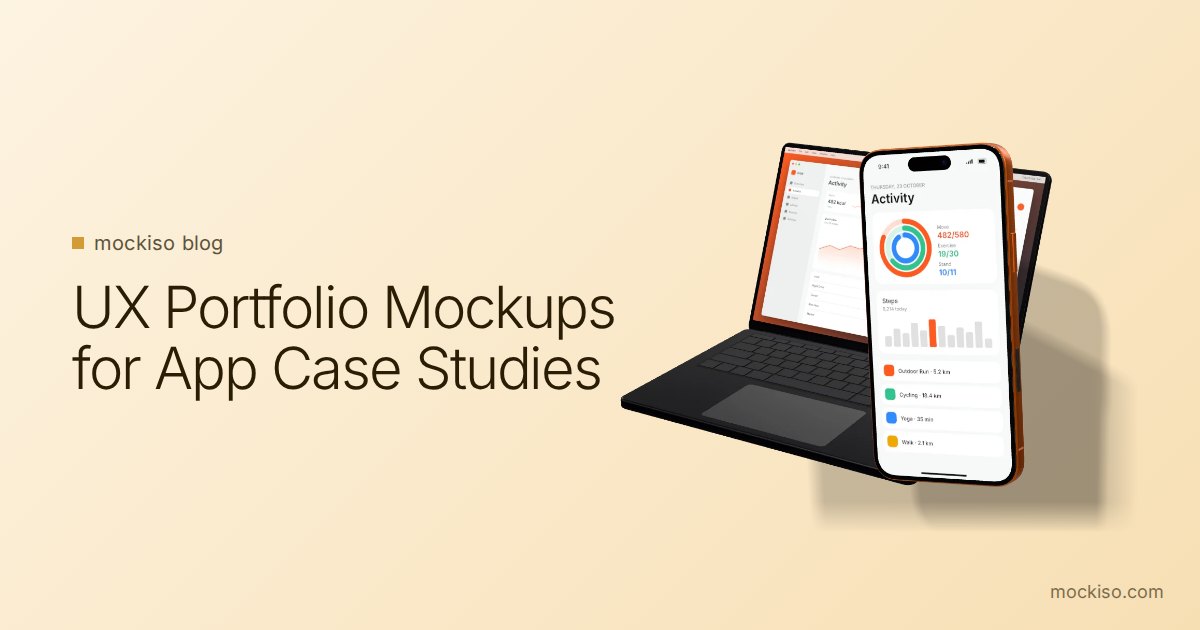
UX Portfolio Mockups: How to Present App Designs in Case Studies
UX portfolio mockups work best as packaging, not proof: use one angled 3D device mockup for the thumbnail and hero image, flat front-facing frames for flows and detail screens, and keep the process work (sketches, research, iterations) visible.
App Store Screenshot Trends 2026: 8 Styles Worth Using
The biggest App Store screenshot trends in 2026 are outcome-first hero frames, panoramic sets, angled 3D devices, frameless UI crops, dark mode frames, Liquid Glass UI, multi-device sets and bold color blocking. Use each one only where store rules allow it.